The Hidden Cost of "Free" Online Tools
Millions of people use free online tools every day to compress images, convert documents, remove backgrounds, merge PDFs, transcribe audio, and more. These services appear simple and convenient. But there is a cost — and it is not always measured in money. When you upload a file to a free online tool, you are trusting a stranger with your data. The company behind the tool may be well-intentioned, poorly staffed, financially unstable, or operating in a jurisdiction with weak privacy laws. Most users never read the terms of service. Most never consider what happens to their files after they download the result. And most have no idea how much information is harvested in the process.
What Actually Happens to Your Files
Here is what often happens — sometimes secretly — when you upload a file to a free online processing service:
- Server storage — your files are stored on third-party servers, sometimes indefinitely, despite promises of immediate automatic deletion that cannot be independently verified
- Third-party data sharing — usage analytics, file metadata, and sometimes even file contents may be shared with advertising networks, analytics platforms, or business partners
- AI training data — your uploaded images, documents, audio, or video may be used to train commercial AI models without your explicit, informed consent — often buried in lengthy terms of service
- Metadata harvesting — even when file content is not stored, technical metadata (file name, size, type, browser fingerprint, IP address, geographic location, and timestamp) is routinely logged for analytics
- Regulatory gaps — many free online tools are operated from jurisdictions with weak data protection laws, making legal recourse difficult or impossible if your data is misused
Red Flags to Watch For
Not all online tools are equally risky. Here are specific warning signs that a service may not be handling your data responsibly: No HTTPS. If the site does not use HTTPS encryption, any data you upload is transmitted in plain text and can be intercepted by anyone on the same network. Vague privacy policies. Terms like 'we may use your data to improve our services' or 'we analyze usage patterns' often mean your files are used as training data for AI systems. No specific data retention policy. Legitimate privacy-respecting services clearly state exactly how long files are stored and the specific mechanism by which they are deleted. Free with no visible or coherent business model. If you cannot identify how the service makes money, your data and files are very likely the product being monetized. Requires account creation or email for 'free' features. Email collection enables targeted advertising, newsletter marketing, and creates a liability if the service is breached.
Browser-Based Alternatives
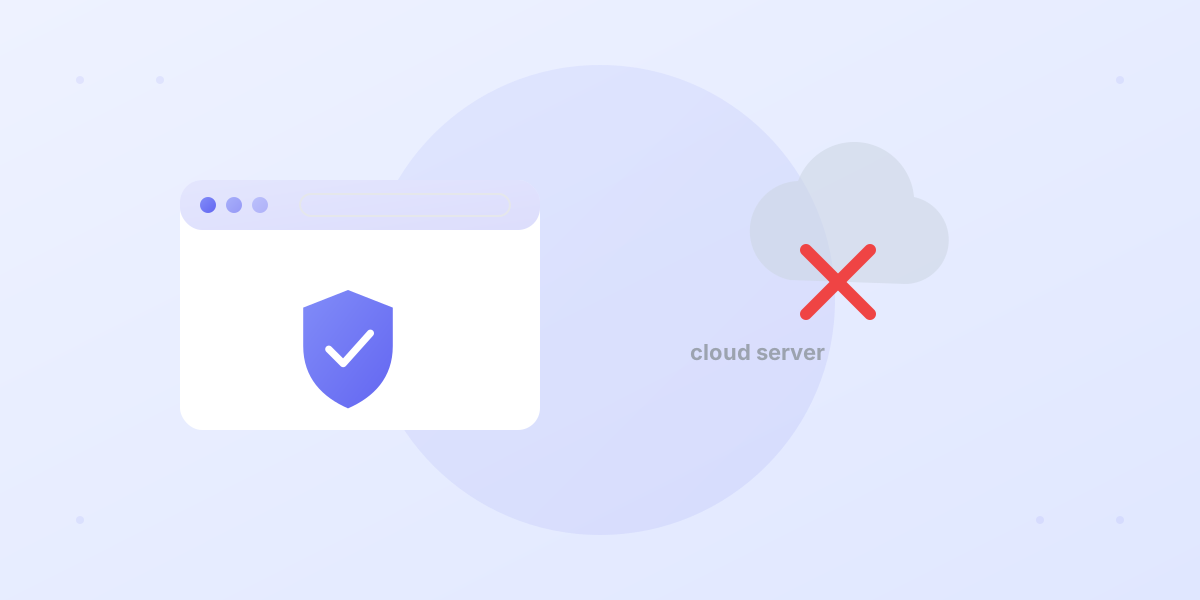
The safest alternative to cloud-based file processing tools is processing that happens entirely in your browser, on your device. With WebAssembly (WASM) and modern JavaScript APIs, complex operations that previously required server-side computing power — OCR, AI image processing, PDF manipulation, neural network inference — can now run locally on any modern device. Browser-based tools offer the same capabilities as cloud services but with a fundamental privacy advantage: your files never leave your device. There is no server to breach, no database to leak, and no employee who can access your files. JustUseIt is built entirely on this browser-first principle. PrivaScan, SafeOCR, PrivaPDF, ClearCut, PrivaFace, and all other tools process files locally in your browser — with no server uploads, no accounts required, and no data collection of any kind.
Your Privacy Checklist for Online Tools
Before using any online tool with sensitive files, ask yourself these five questions: ✓ Does the tool process files locally in my browser, or does it upload to a server? Check the Network tab in DevTools to verify. ✓ Does the service have a clear, specific privacy policy — or just vague reassurances about 'taking privacy seriously'? ✓ Can I verify via browser DevTools Network tab that no file upload requests are made during processing? ✓ Is the tool open-source, or built on auditable open-source libraries that anyone can inspect? ✓ Does the service have a clear business model that does not depend on monetizing user data or files? If you cannot answer 'yes' to all of these for a tool you are considering, a browser-based alternative is almost certainly available.