AI Background Remover
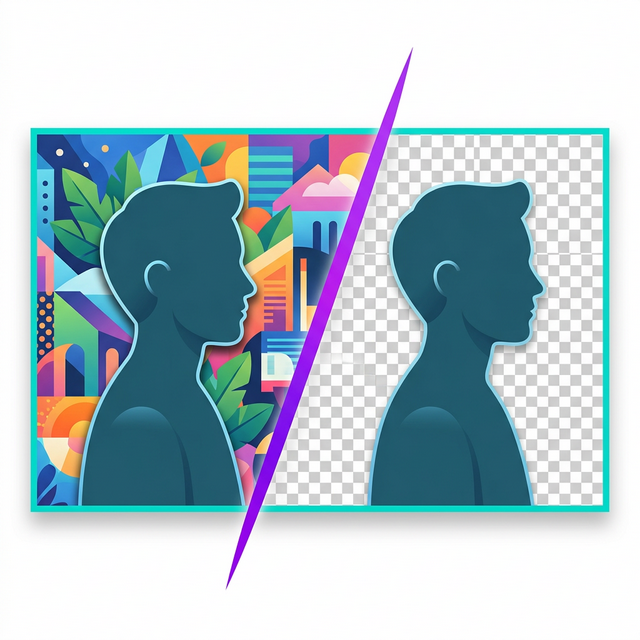
Remove backgrounds instantly with AI. Export as transparent PNG or convert to WebP for dramatically smaller file sizes.
JPEG, PNG, WebP, BMP — up to 10 files, 20 MB each
100% browser processing — the AI runs locally using WebAssembly. Your images never leave your device.
Why ClearCut?
Unlimited & Free
No sign-up, no watermarks, no usage limits — process as many images as you need, completely free.
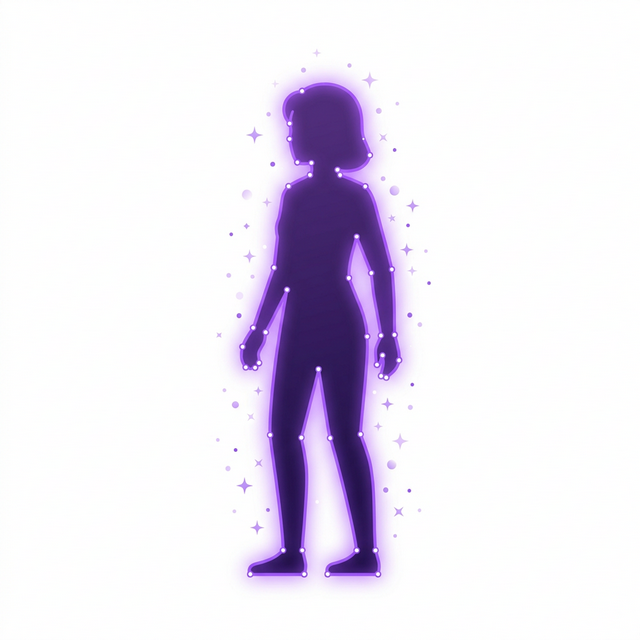
AI-Powered Precision
State-of-the-art AI segmentation accurately detects edges, individual hair strands, semi-transparent objects, and complex shapes like glasses or jewelry.
WebP Optimization
Export as WebP for up to 90% smaller file sizes compared to PNG — ideal for e-commerce product pages, blogs, and web applications where loading speed matters.
What is ClearCut?
ClearCut is a free, browser-based AI background removal tool that cuts the background out of any photo using advanced semantic segmentation. People use it to create clean product shots for e-commerce listings, drop a portrait onto a new background, make a transparent profile picture or logo, prepare cut-outs for presentations and thumbnails, or anonymize the setting behind a photo. It accepts JPEG, PNG, and WebP images, processes several at once in a batch, and lets you export the result either as a transparent PNG for maximum quality and further editing or as an optimized WebP with adjustable quality for far smaller files. The AI model analyzes your image pixel by pixel to separate the subject from the background, producing clean edges even around fine hair and complex shapes. Crucially, your photo is never uploaded — the only thing ClearCut fetches from the network is the AI model itself, downloaded once on first use, after which everything runs on your own device. There is no account, no installation, and no watermark, and after that one-time model download it keeps working offline.
How to Use ClearCut (3 Steps)
- 1
Upload Your Image
Drag and drop or click to select an image (JPEG, PNG, WebP). Choose your preferred output format — transparent PNG for maximum quality or optimized WebP with adjustable quality settings for smaller file sizes.
- 2
AI Removes Background
The AI segmentation model runs directly in your browser to detect subjects and remove the background with pixel-level precision. No server uploads — all processing happens on your device, typically completing in a few seconds depending on image size.
- 3
Download Result
Preview the cut-out result and download your image with the background fully removed. Export as a transparent PNG for editing or a compressed WebP for immediate web use. The original photo never leaves your device at any point.
Why Browser-Based Background Removal Is Safer
Most AI background removal tools — Canva, remove.bg, Adobe Express — upload your images to cloud servers where the AI runs on their infrastructure, meaning your personal or business photos can be stored, accessed by staff, or used to train AI models. ClearCut runs the entire AI model directly in your browser, so your images never leave your device. There is one honest caveat: the AI model has to be downloaded once on first use, so you will see a single model-download request — but that download contains no part of your photo, and your image itself is never uploaded. You can verify this yourself: open your browser's DevTools Network tab while you remove a background and you will see the model download, but no request that sends your picture anywhere. Even better, after that first download you can switch off your Wi-Fi and ClearCut still removes backgrounds — the clearest possible proof that your photos are processed entirely on your own device.